Next.js Blog SEO Checklist (2026) — Ship Rankings with ReactPress

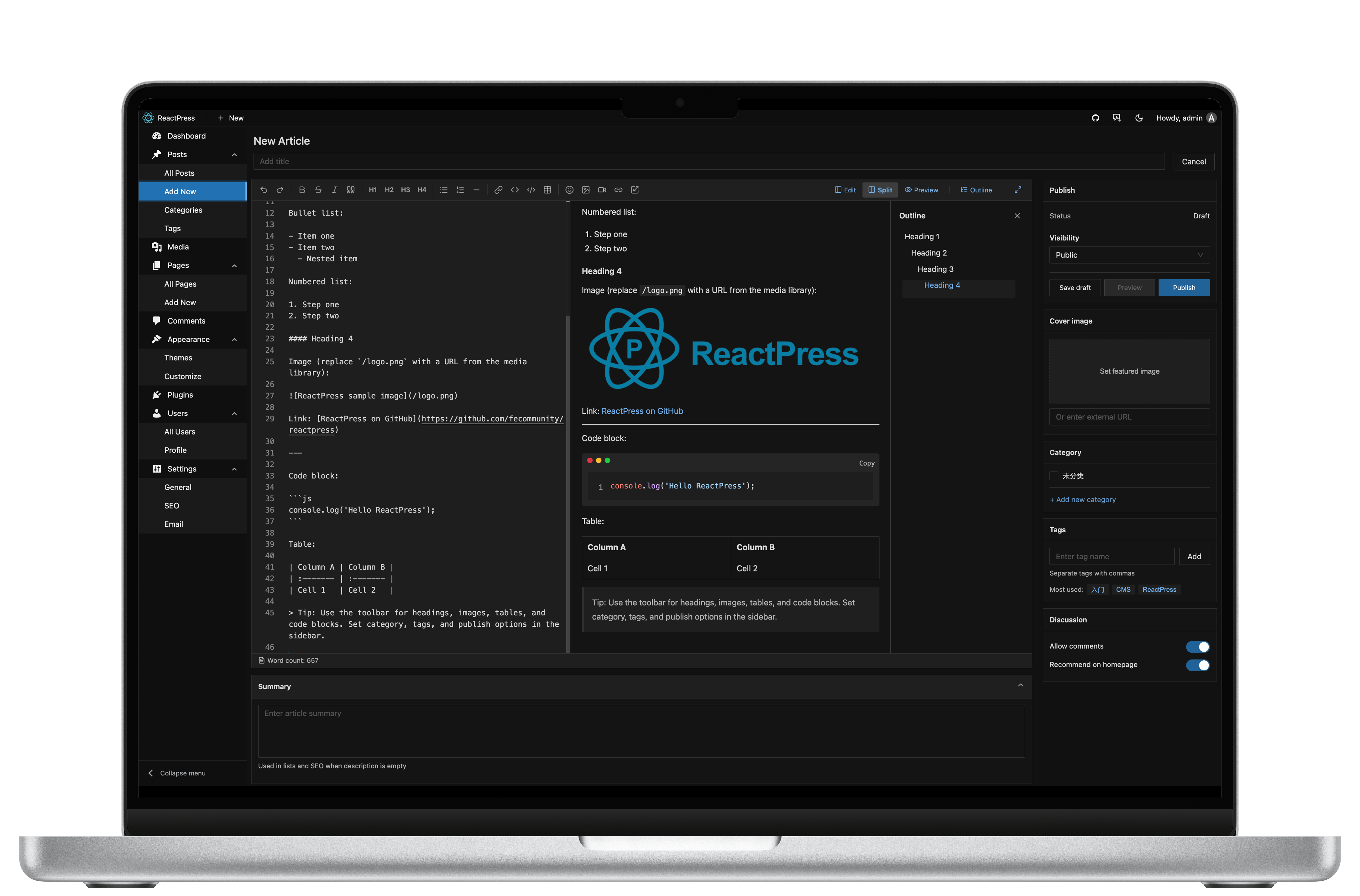
A Next.js blog can rank — or disappear — based on defaults you forget on day one: client-only post pages, missing sitemap, thin meta, and bloated images. This 2026 SEO checklist is written for teams shipping a Next.js blog with a real CMS, and shows how ReactPress covers the boring essentials so you can focus on content.
Related docs: Site settings & SEO · Build a blog in 60 seconds · Theme development
1. Render HTML for crawlers (SSR / ISR)
Do: Server-render post and page templates (or ISR with revalidation).
Don't: Fetch the article only in useEffect with an empty shell.
ReactPress official themes use Next.js SSR/ISR for visitor routes. If you fork a theme, keep post pages on the server path.
2. Unique title and meta description per URL
Checklist:
-
<title>unique, ~50–60 characters, includes primary keyword naturally - Meta description ~150–160 characters, matches search intent
- No duplicate titles across pagination / tag archives
In ReactPress Admin, enable the SEO plugin and set per-post title/description/slug. Theme SSR should emit those fields.
3. Canonical URLs
- Absolute canonical on every indexable page
- Staging / preview hosts
noindex - Trailing-slash policy consistent
Set the public site URL in production config before launch: Configuration.
4. Sitemap and robots.txt
-
/sitemap.xmllists posts and pages (and hreflang if multilingual) -
robots.txtallows crawling; points to sitemap - Submit sitemap in Google Search Console / Bing
ReactPress starter themes expose sitemap/robots patterns — verify after theme enable. See SEO settings.
5. Open Graph and Twitter cards
-
og:title,og:description,og:url,og:image - Image ≥ 1200×630, compressed
- Test with platform debuggers after deploy
6. Structured data
Useful types for a blog/CMS:
| Type | Where |
|---|---|
Article / BlogPosting | Post templates |
Organization / WebSite | Site layout |
BreadcrumbList | Nested docs/blog |
FAQPage | FAQ landing pages |
Validate with Google’s Rich Results test. ReactPress docs site itself uses JSON-LD patterns you can mirror in themes.
7. Core Web Vitals and media
- LCP: hero/post image sized and prioritized
- CLS: dimensions on images/embeds
- INP: avoid heavy third-party scripts on article pages
- WebP/AVIF where possible
ReactPress image-optimizer plugin helps batch WebP — pair with sensible theme next/image usage.
8. Information architecture and internal links
- Clear hub pages (what / compare / quickstart)
- Posts link to pillar docs; docs link back to posts
- Descriptive anchors — not “click here”
Pillars worth linking from every SEO post:
9. Performance budget for CMS themes
| Budget | Target |
|---|---|
| Lighthouse Performance (mobile) | ≥ 90 on article template |
| JS on critical path | Prefer RSC/SSR; defer analytics |
| Fonts | font-display: swap; subset |
Theme guidance: Appearance & themes · Theme development.
10. Launch verification
curl -Iproduction URLs — 200, correct cache headers- View-source — titles/meta present without running JS
- Search Console coverage — fix excluded-by-robots surprises
- Compare staging vs prod canonical hosts
ReactPress defaults that help SEO
| Concern | ReactPress approach |
|---|---|
| SSR blog | Next.js official themes |
| Editor meta | SEO plugin in Admin |
| API for custom frontends | Headless REST |
| Fast local proof | reactpress init ~60s |
npm i -g @fecommunity/reactpress
mkdir my-blog && cd my-blog
reactpress init
More: Self-hosted Next.js CMS guide · WordPress alternatives for React.
FAQ
Does Next.js App Router change this checklist?
No — crawlers still need meaningful HTML and metadata APIs (generateMetadata, etc.).
Is a Headless CMS enough for SEO?
Only if your Next app implements the checklist. The CMS alone does not rank.
Where do I configure ReactPress SEO?
Site settings & SEO.